Skip to main content
Welcome
Home
×
Granville Academy
Empowering Students Through Innovation
District
Schools
Popular Links
Home
About Us
About Us
2026-2027 Admission Application
Meet the Admin
Air Quality Reports
Calendars
Join Granville Academy
Staff Directory
School Improvement Plan
NC School Report Card
School Supply List 2026-2027
Student Services
Students
Classlink
Parents
Staff
District
Schools
Popular Links
Schools
Butner-Stem Elementary School
C.G. Credle Elementary School
Granville Academy
Granville Central Middle School
Granville Early College High School
J.F. Webb High School
Mount Energy Elementary School
Northern Granville Middle School
Phoenix Academy
South Granville High School
Stovall-Shaw Elementary School
Tar River Elementary School
West Oxford Elementary School
Popular Links
Calendar
Contact Us
Employment
Student Information & Enrollment
Student Record Request
Student Attendance Address Finder
See Something Reporting System
Volunteer Opportunities
Open Enrollment
Search
Home
About Us
About Us
2026-2027 Admission Application
Meet the Admin
Air Quality Reports
Calendars
Join Granville Academy
Staff Directory
School Improvement Plan
NC School Report Card
School Supply List 2026-2027
Student Services
Students
Classlink
Parents
Staff
Schools
Butner-Stem Elementary School
C.G. Credle Elementary School
Granville Academy
Granville Central Middle School
Granville Early College High School
J.F. Webb High School
Mount Energy Elementary School
Northern Granville Middle School
Phoenix Academy
South Granville High School
Stovall-Shaw Elementary School
Tar River Elementary School
West Oxford Elementary School
District
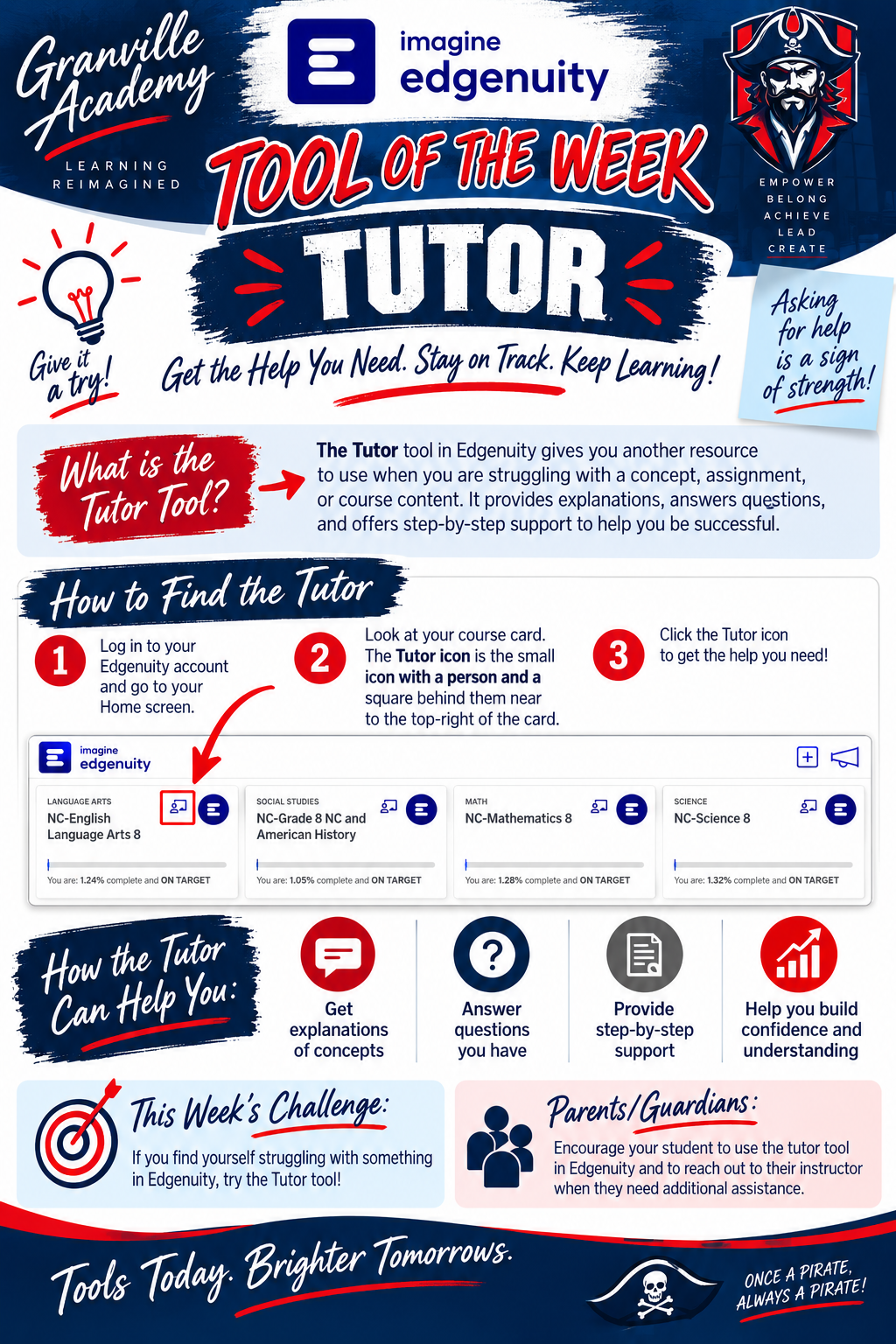
Edgenuity Tool of the Week - Tutor
Posted Date: 09/14/26 (01:03 PM)
View Original Post